entry-13
stayz3ro.dev on Cloudflare: one zone, a static blog and a VPS
The second Cloudflare cutover. A freshly registered domain, apex and www on Pages, service subdomains on a VPS behind Caddy, and email locked shut on a domain that sends none.
revisions rev. 1 first set 2026-10-23 last revised 2026-10-23 5 min read
Update (2026-10-19): The domain migration and Cloudflare-only firewall account supersede the August service names and DNS-only web-ingress policy below.
The last post moved
chrisalorenzo.com off GitHub Pages and ended with a note that
stayz3ro.dev, this blog, was queued for the same treatment.
That move turned out easier and more interesting than the first one. Easier because the domain was registered fresh for this, so there were no legacy records to carry over. More interesting because this zone does not serve one thing. The apex is a static blog on Cloudflare Pages, and the subdomains point at a VPS.
The layout
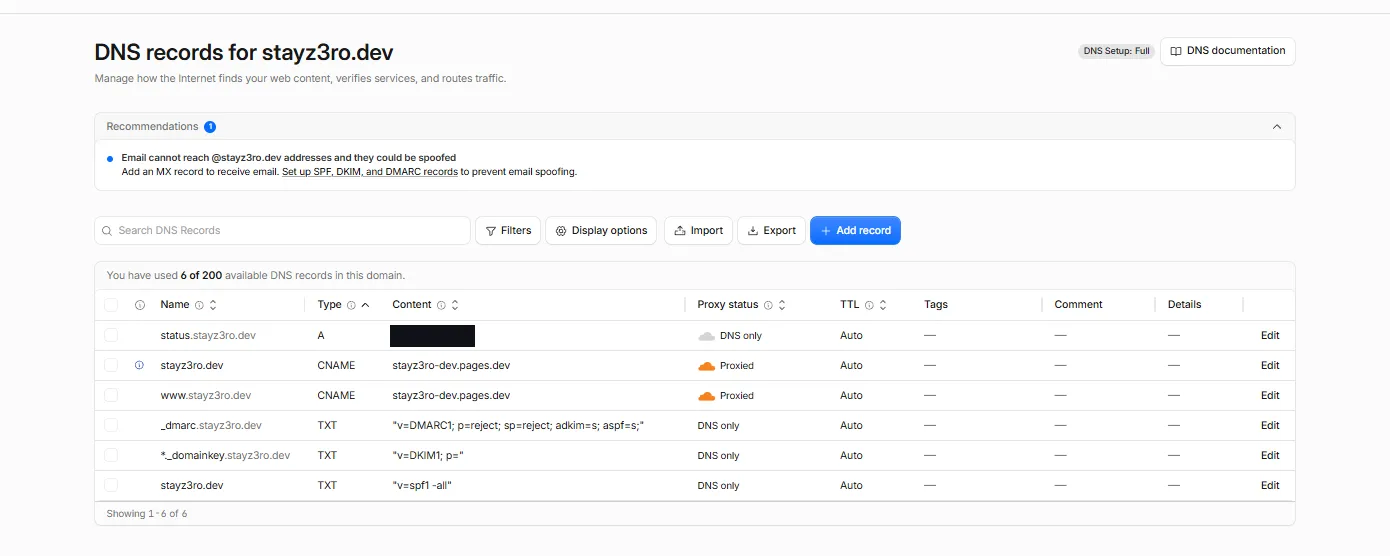
| Name | Type | Target | Proxy |
|---|---|---|---|
stayz3ro.dev | CNAME | stayz3ro-dev.pages.dev | Proxied |
www.stayz3ro.dev | CNAME | stayz3ro-dev.pages.dev | Proxied |
status.stayz3ro.dev | A | (VPS) | DNS only |
One Cloudflare zone, two backends. The blog is edge-hosted and fully
proxied. status. (Uptime Kuma, with analytics. for Umami coming next)
resolves straight to a Linux VPS running Caddy, which terminates its own
Let’s Encrypt certificates. Those records are DNS-only, grey-cloud, with
no Cloudflare proxy in front.
Step 1: nameservers
Same as last time. Registration stays at Porkbun, only the nameservers move. Add the site in Cloudflare on the free plan, take the two assigned nameservers, and set them as authoritative at the registrar.
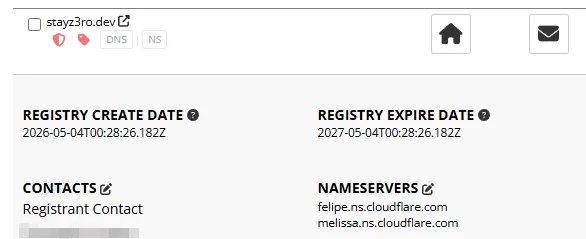
Because the domain was new, the zone Cloudflare imported was empty.
Nothing to audit, nothing to preserve. The part that made the
chrisalorenzo.com move fiddly (MX records, an SPF record, a URL-forward,
all living in DNS) just wasn’t there.
Step 2: the Pages project
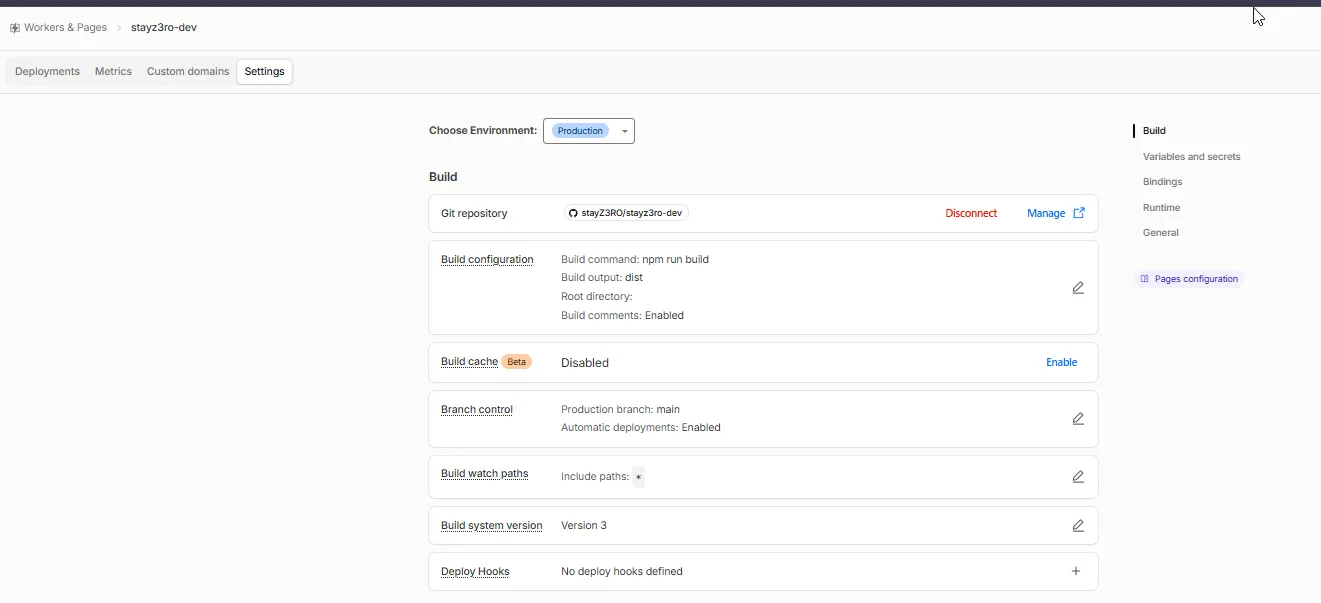
Workers & Pages, connect this blog repository, and Astro’s preset fills in the rest.
| Setting | Value |
|---|---|
| Build command | npm run build |
| Build output directory | dist |
| Production branch | main |
| Automatic deployments | Enabled |
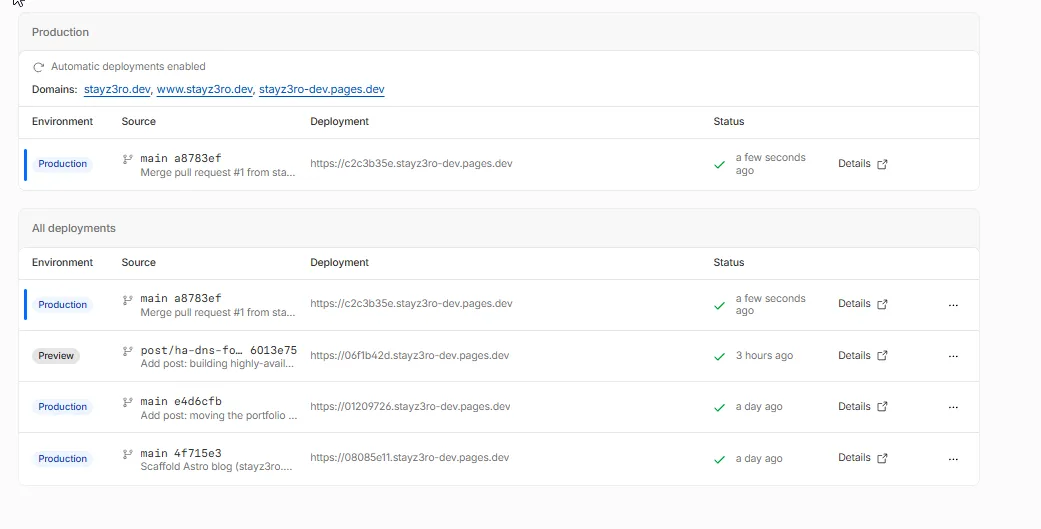
Every push to main builds and deploys. Branch pushes get their own
preview URL. Merging the pull request for a post is the entire publish
step.
Step 3: custom domains
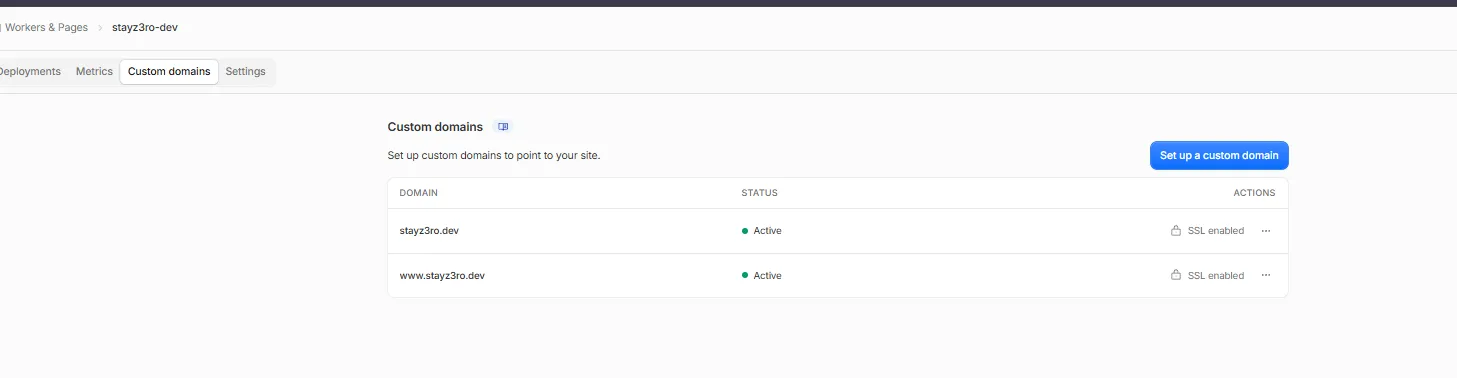
In the Pages project, add stayz3ro.dev and www.stayz3ro.dev. Because
DNS is already on Cloudflare, each is one click. Cloudflare writes the
CNAME itself, flattens it at the apex, and provisions the certificate.
Step 4: TLS end to end
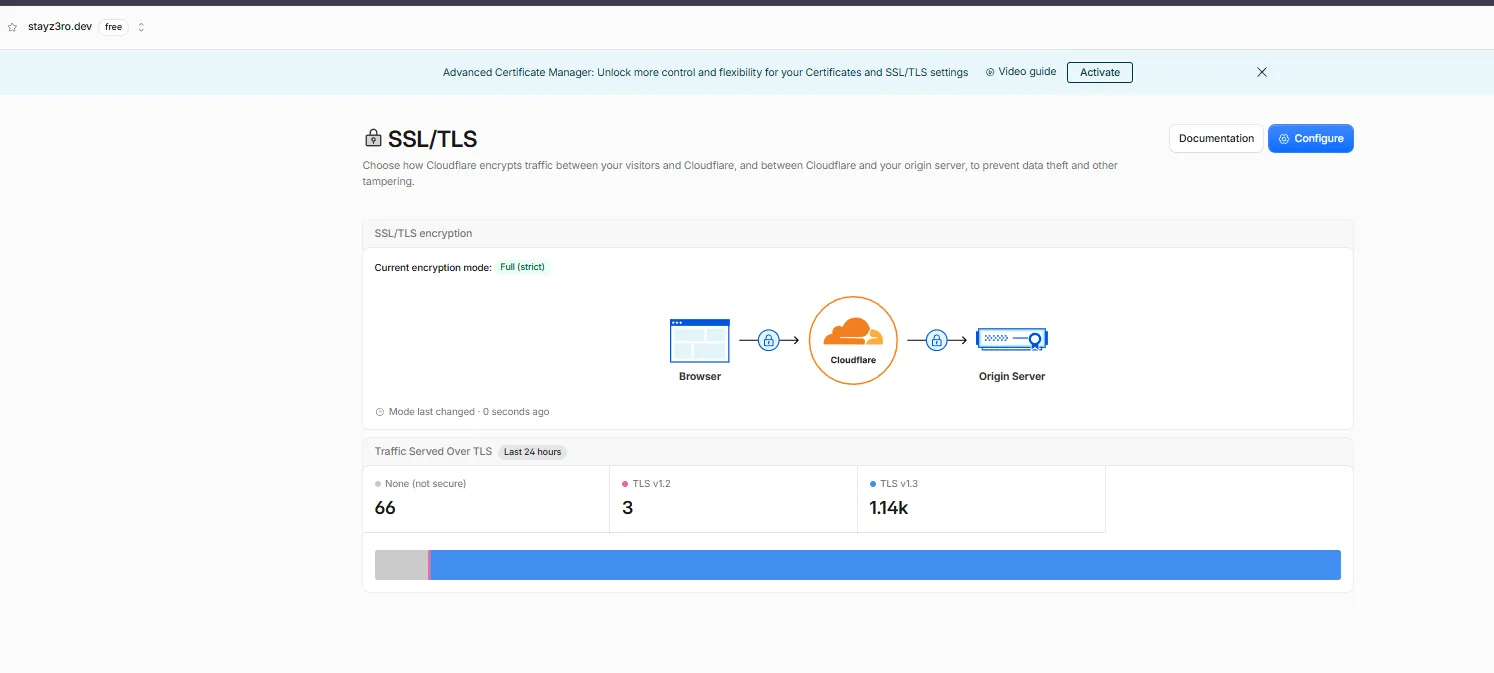
SSL/TLS mode → Full (strict). Pages serves a valid certificate on its side and the VPS serves its own, so there is no reason to run anything looser. Full (strict) validates the origin certificate on every hop. Flexible or plain Full would leave a gap I don’t need.
Step 5: lock the mail shut
stayz3ro.dev will never send email. Cloudflare’s DNS panel flags that as
a spoofing risk, and it’s right. A domain with no policy is one anyone can
forge From: addresses on. Three DNS-only TXT records close it:
| Record | Value | Effect |
|---|---|---|
stayz3ro.dev TXT | v=spf1 -all | no host is authorised to send |
*._domainkey TXT | v=DKIM1; p= | null key, every DKIM signature fails |
_dmarc TXT | v=DMARC1; p=reject; sp=reject; adkim=s; aspf=s | reject anything that slips through, subdomains included |
Five minutes, and the domain is unspoofable for mail. Worth doing on every domain that only serves web.
What the VPS side buys
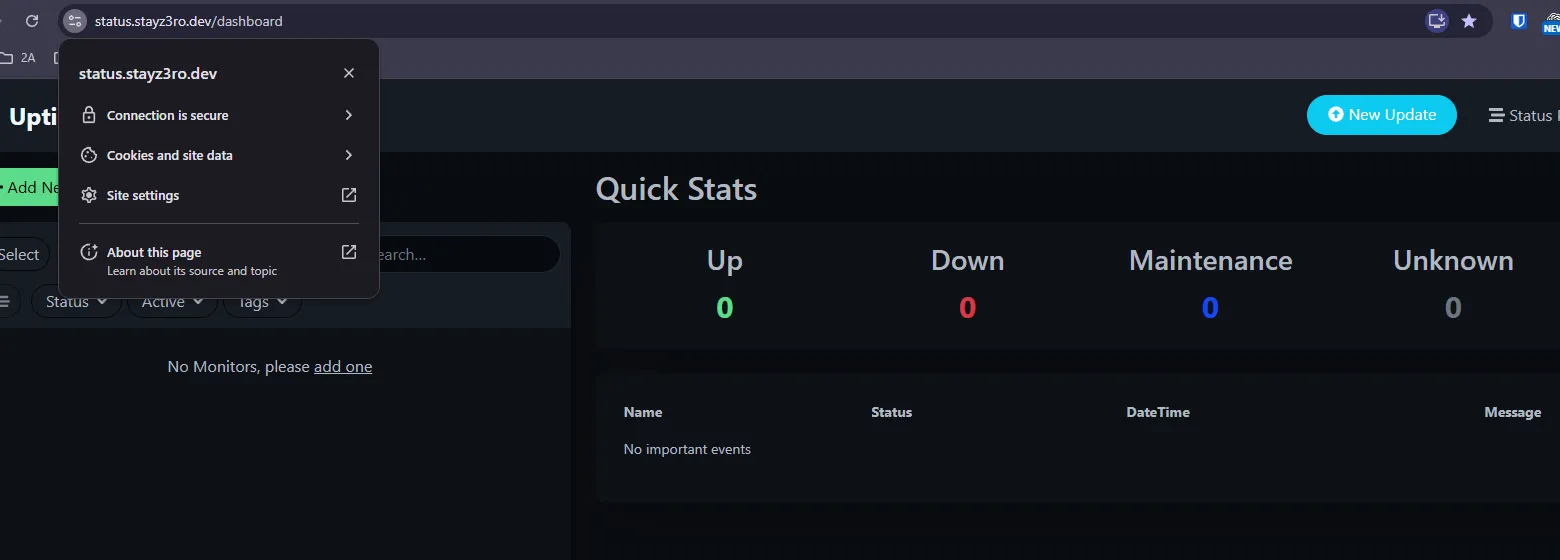
Keeping status. (and soon analytics.) on the VPS instead of proxying
them through Cloudflare is deliberate:
- Caddy already manages those certificates and access logs. Putting Cloudflare in front would mean two TLS layers and a second place to reason about caching and headers.
- The blog and the services fail independently. A Pages build breaking doesn’t touch the status page. The VPS going down doesn’t touch the blog.
- It keeps the VPS doing what it’s for, running actual services, while the static content lives somewhere I never have to patch.
Closing note
A few things I’d repeat. Register the domain first and point DNS second,
because a greenfield zone has no load-bearing records you forgot about.
One zone can serve many backends, and per-record proxy settings decide
what goes through Cloudflare and what resolves straight through. Match the
TLS mode to reality: both origins present real certificates, so Full
(strict) is the only correct setting. And harden mail on web-only domains,
because SPF -all, a null DKIM key, and DMARC p=reject cost nothing and
remove a whole class of abuse.
The next record in this zone is analytics.stayz3ro.dev, Umami on the
VPS, the first service here that needs a database. That’s its own post.
Related posts: The DNS panel that wasn’t authoritative.